Quote it once.
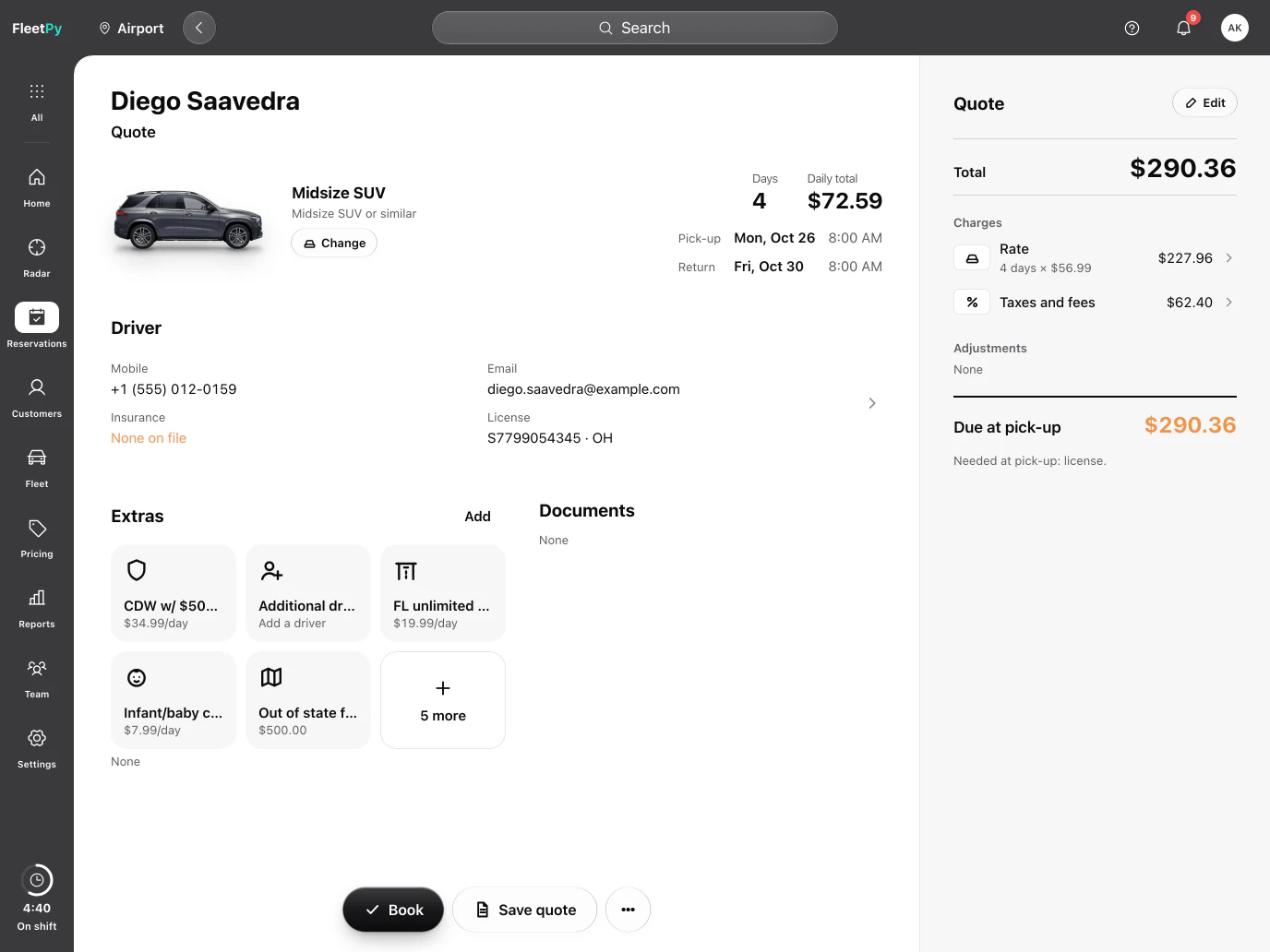
Pick the dates and the class. The taxes you set for each location fill in on their own, so the quote and the receipt add up the same way.
Car rental software
Bookings, contracts, rates, tolls and staff hours. On screens that feel like your phone.

A real FleetPy screen; names, cars and amounts are examples.
One day at the counter
FleetPy grew out of a working rental company. New features are tried at its counter first.
8:00 AM. Morning
The counter opens. Quote, sign, hand over the keys and take them back.
Pick the dates and the class. The taxes you set for each location fill in on their own, so the quote and the receipt add up the same way.
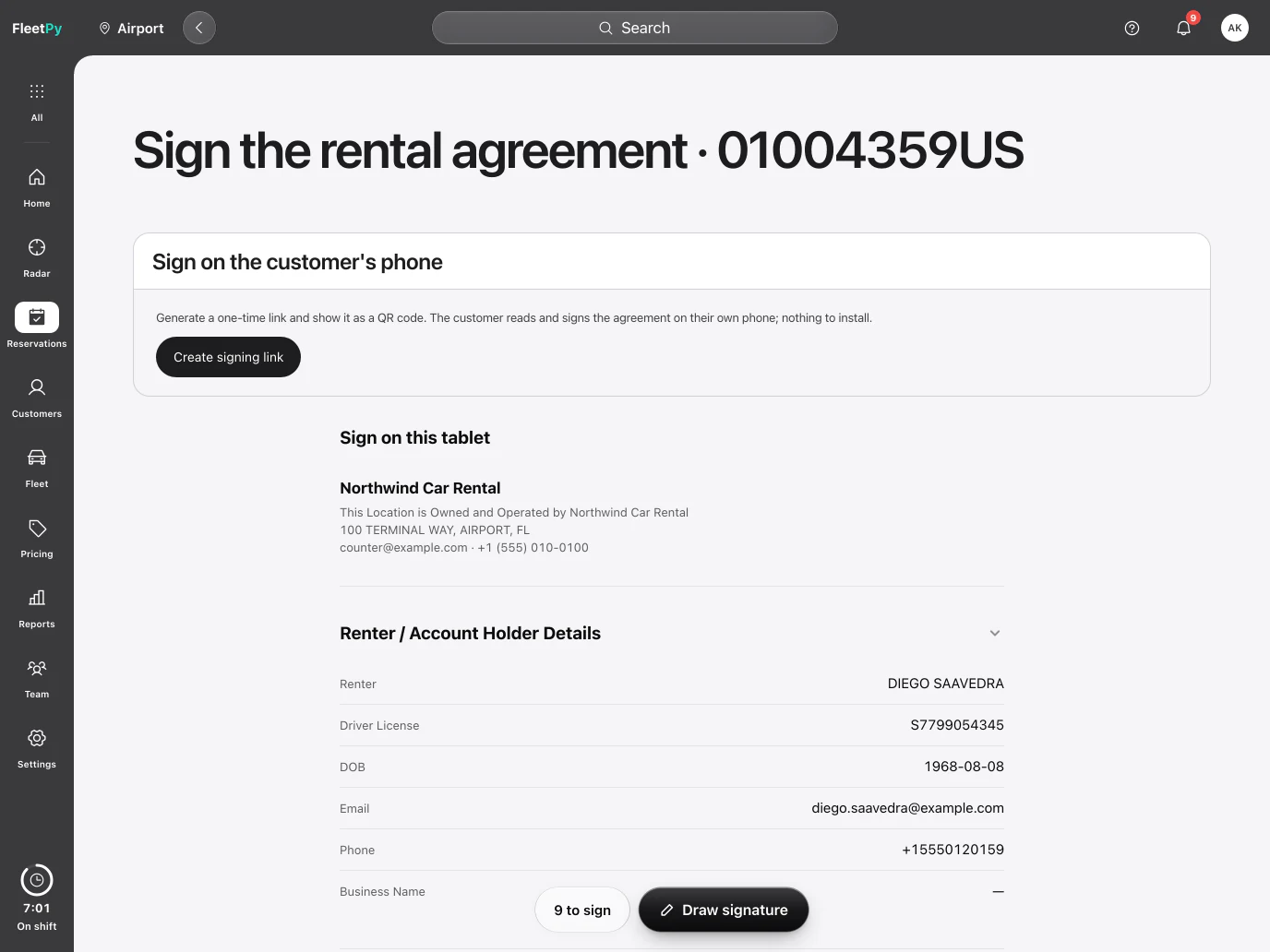
The renter signs on the counter tablet or on their own phone. The agreement, the license and the car's photos land in one place.
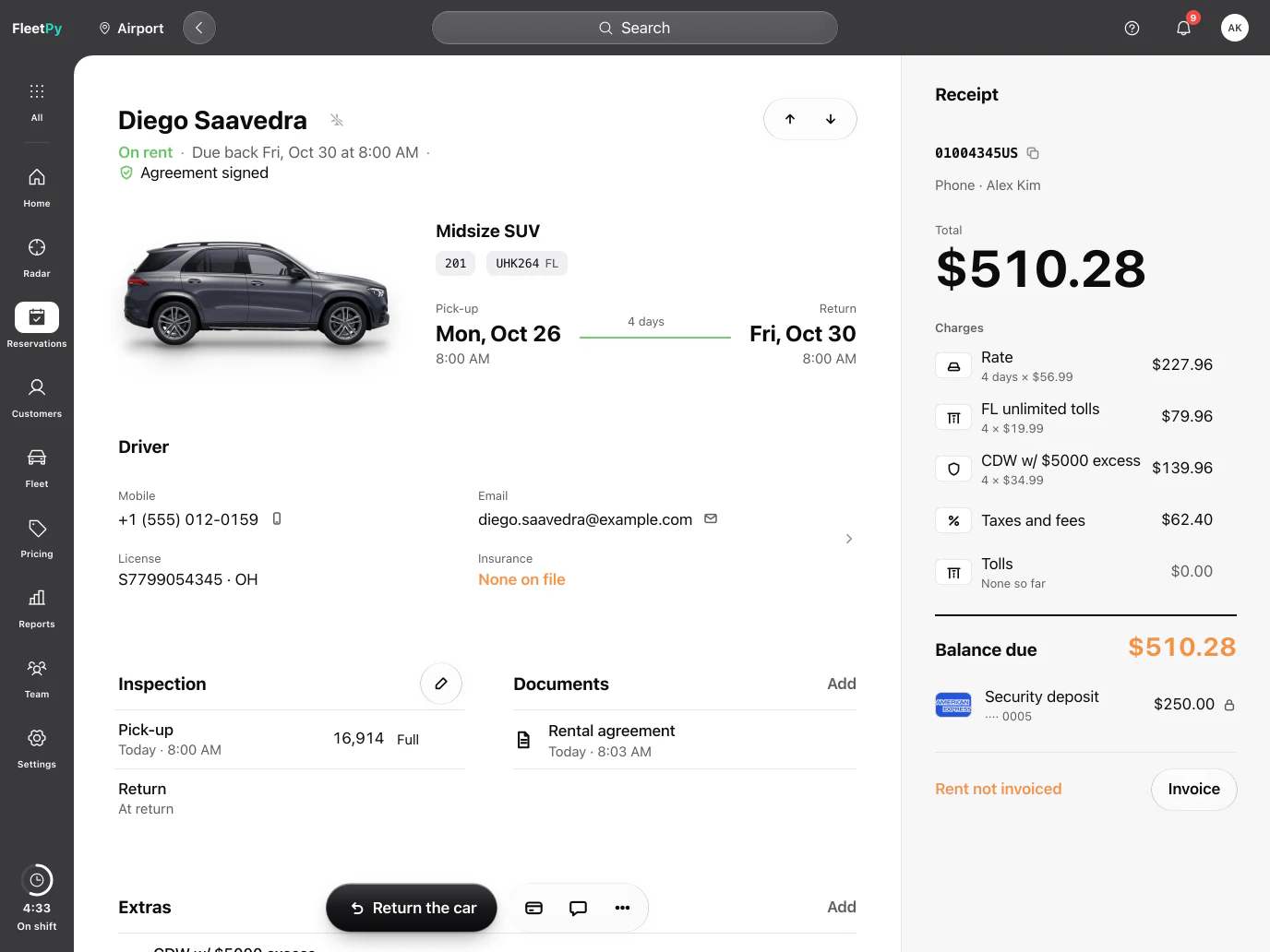
The contract opens with the unit, the miles and the fuel. Due back shows under the name, so nobody has to ask.
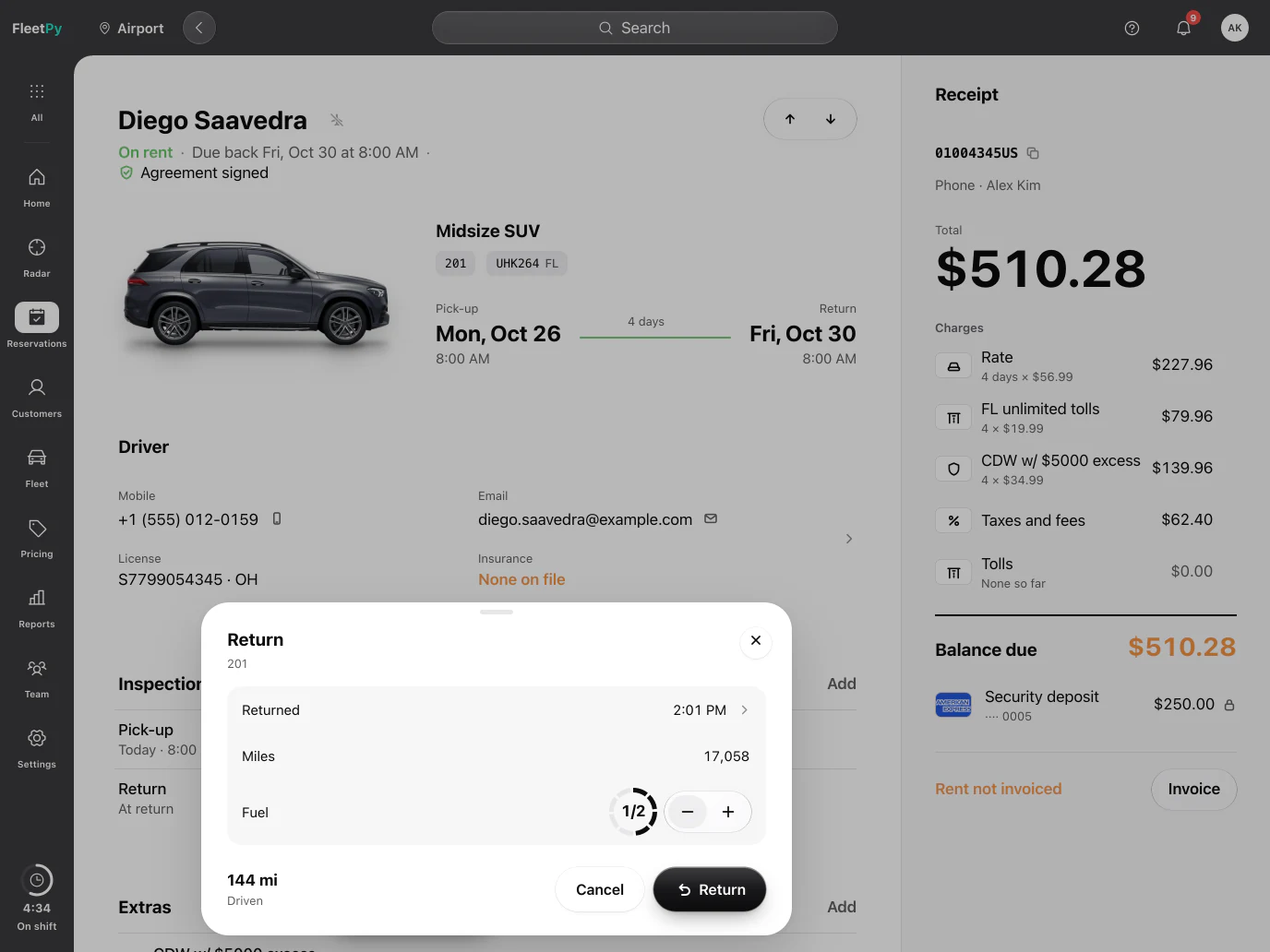
Type the miles and step the fuel down. The miles driven add up as you type, and less fuel than it left with shows up in orange on the record.
The balance and the renter's card are already filled in, so recording the payment takes a moment. Nothing to add up by hand.
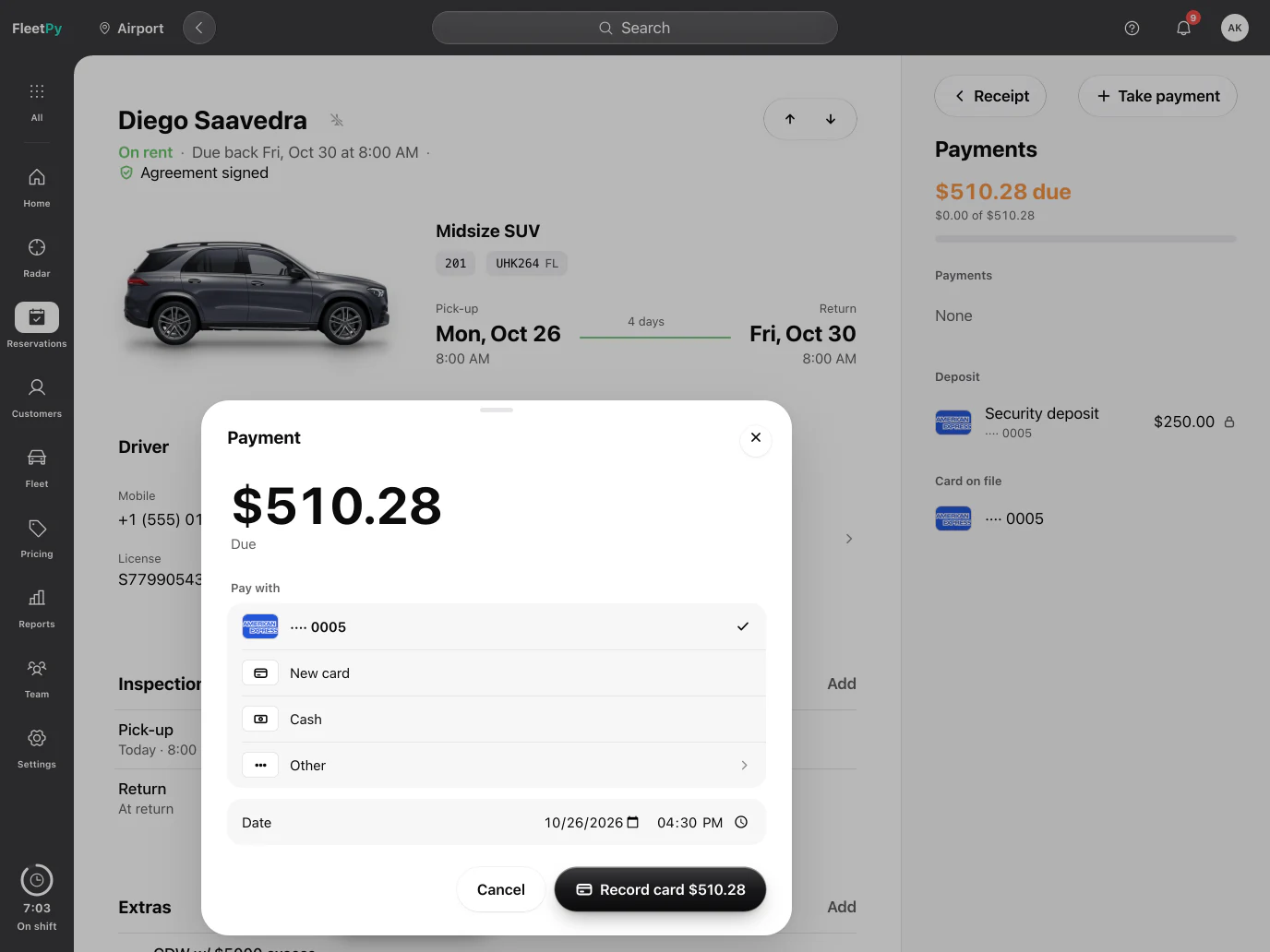
FleetPy keeps its own copy of everything the counter needs. Opening a reservation doesn't wait on a booking site or anyone else's server, so it opens before your customer finishes spelling their last name.
We measure our busiest screens with 10,000 reservations to keep them fast as you grow.
Refresh it or open it in four windows. You stay on the same screen, still signed in for your shift.
If the connection drops in the middle of a check-in, everything you typed stays on the screen until you can send it.
11:05 AM. Midday
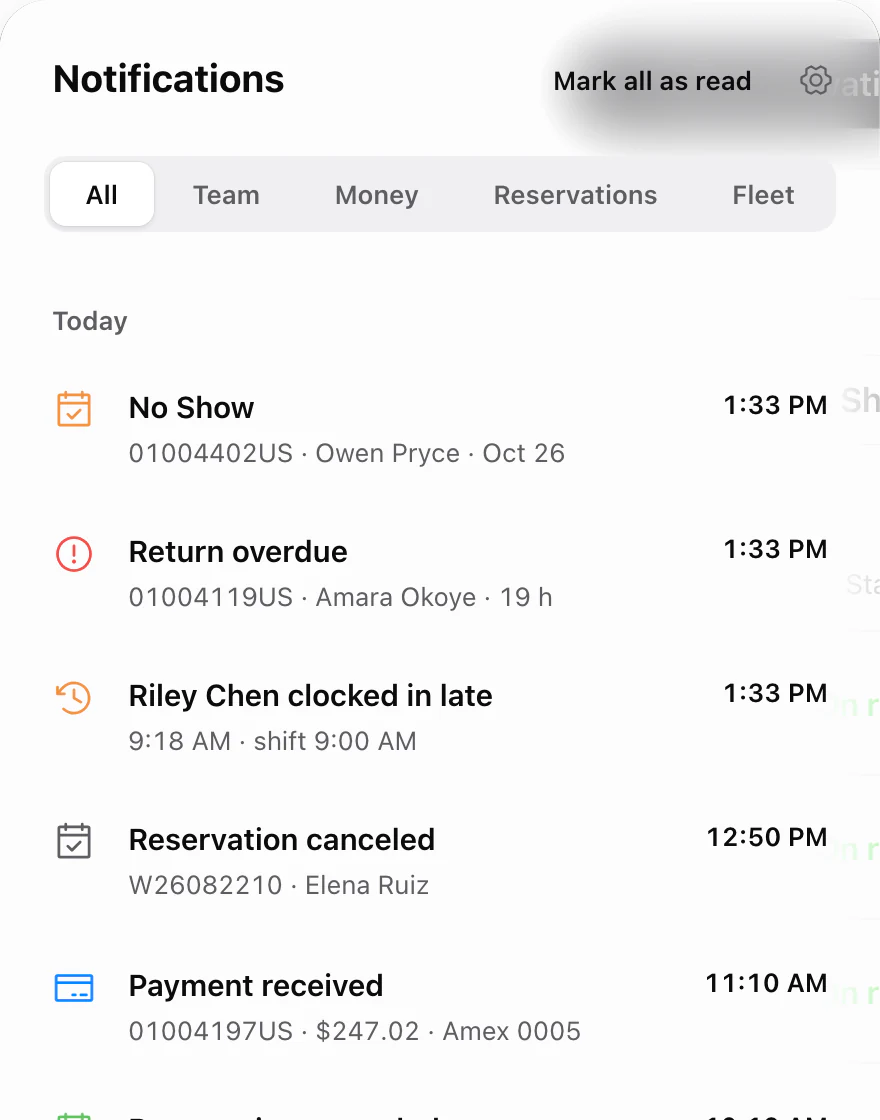
Something happens while you're busy. FleetPy tells the right person, and a slip takes five seconds to undo.
Notifications
A customer leaves the car at the airport, a booking lands, a payment comes in. FleetPy tells the right people, by role, and each notification opens what it’s about.

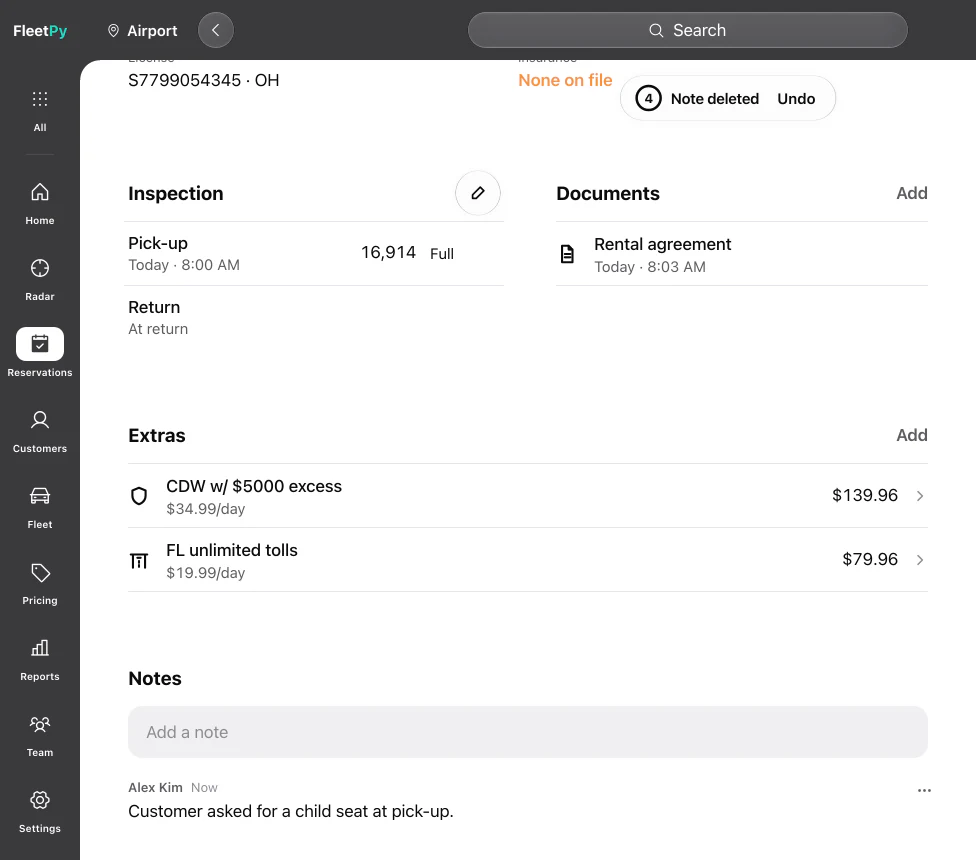
Undo
Delete a note and it's gone at once, with five seconds to take it back. When there's no way back, like voiding a contract, FleetPy stops to ask first.
3:00 PM. Afternoon
Time to plan. See every car, who has it and what it brings in.
Fleet
One ring, three numbers, and every unit in its own color for the models in FleetPy's photo library. Each status keeps one word and one color on every screen, so “On rent” never means two things.

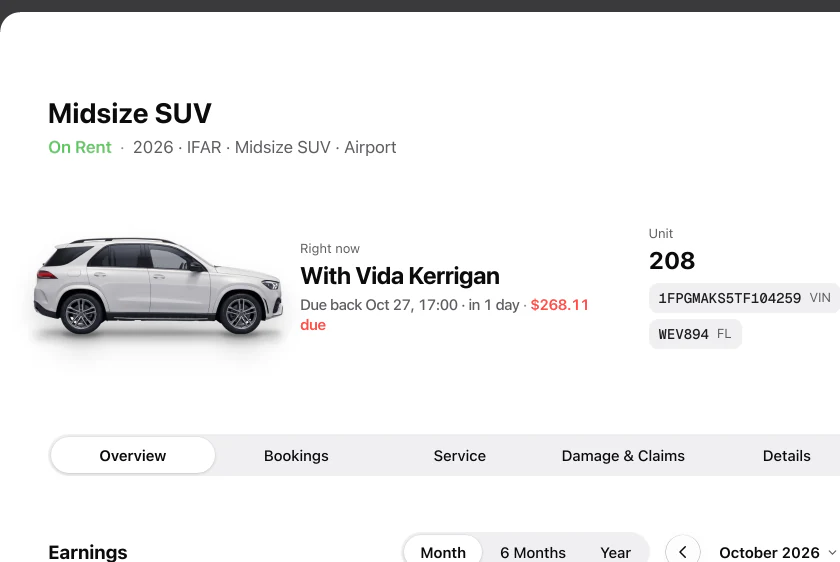
Vehicle record
The car, its plate and VIN, who has it right now and when it's due back, with the miles on the side.
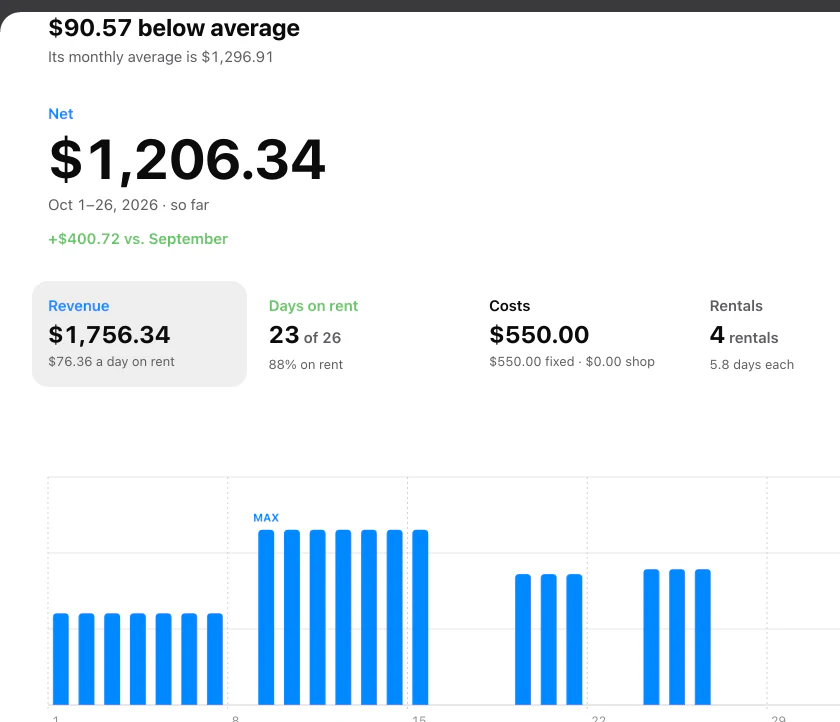
Earnings
Revenue per unit, month by month, on the vehicle record.
5:30 PM. Evening
Close the day. Rates, taxes, tolls and tickets already add up, and the team clocks out.
Rates, taxes, tolls and tickets add up as they happen, so the month closes without a spreadsheet.
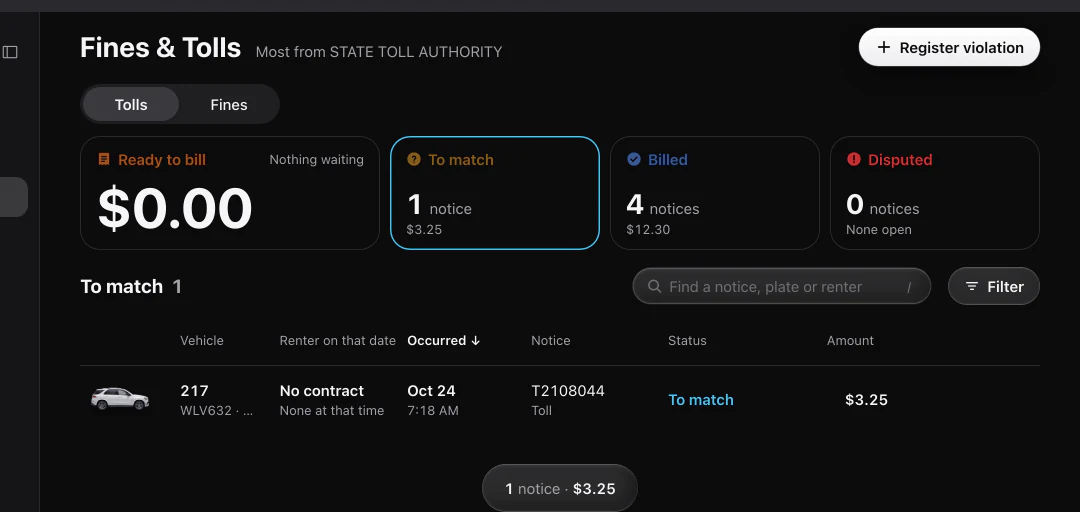
Tolls and tickets
Load a toll or a ticket and FleetPy goes by the minute on the record or the photo, finds who had the car, adds your admin fee and leaves a note on the reservation.
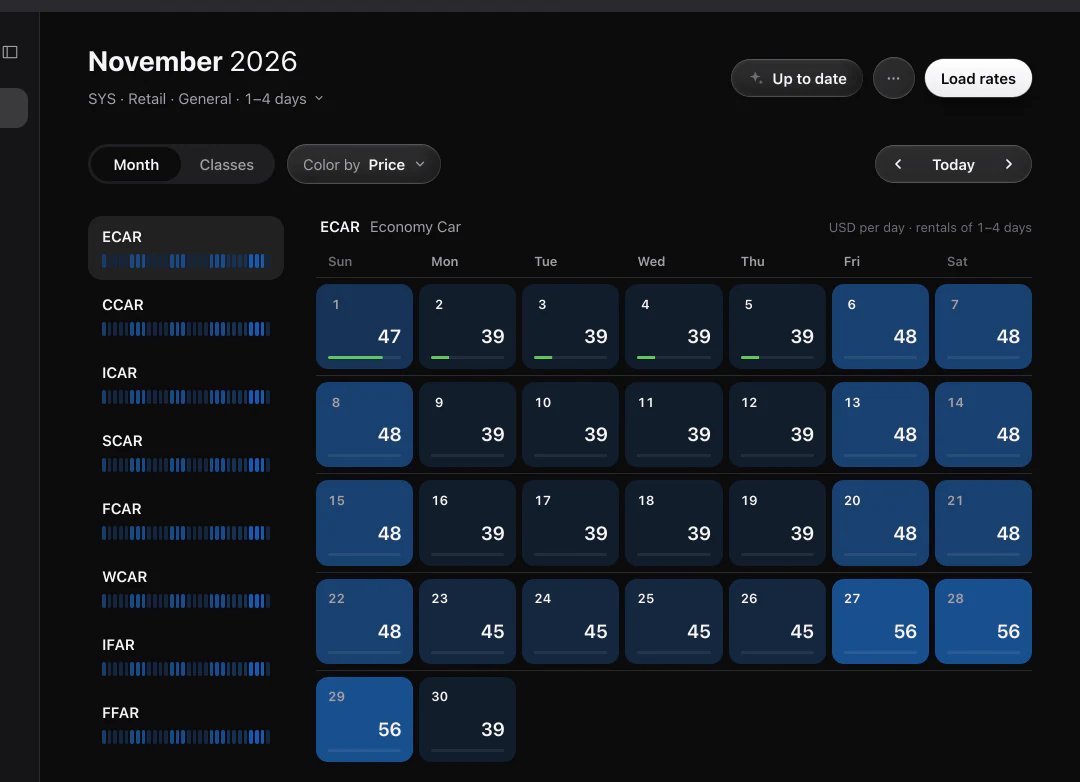
Rate Calendar
Every class, every day, its own rate. Higher rates stand out.
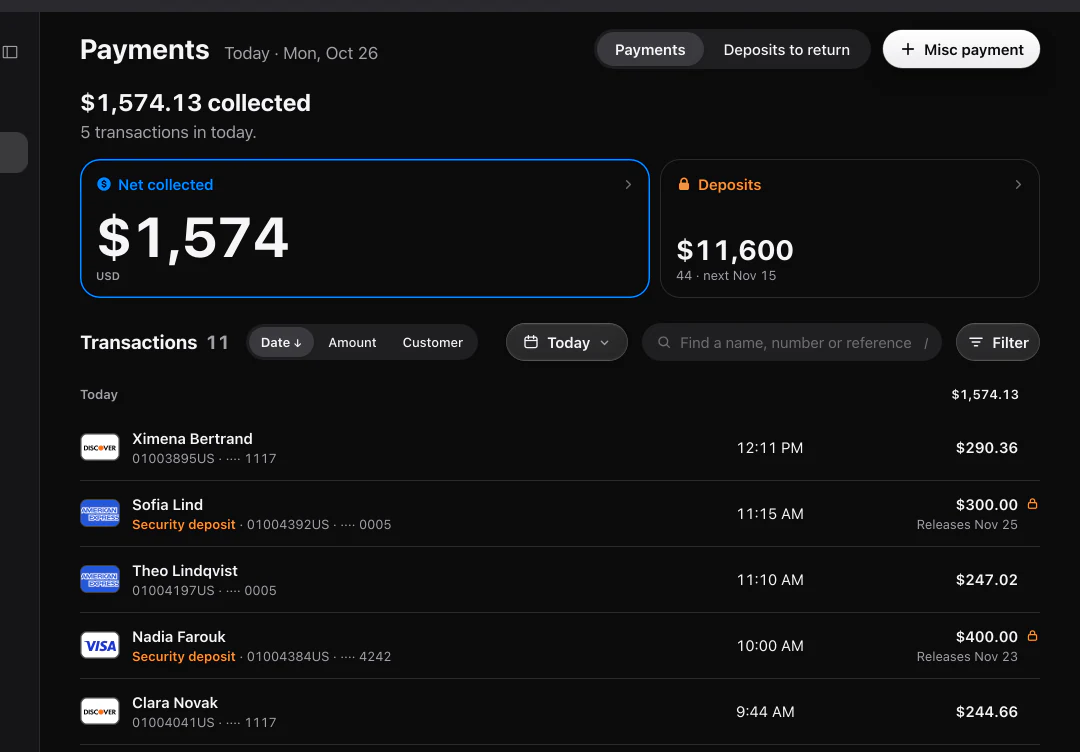
Payments
Every payment you record lands in one list for the day, by card, cash or check.
Time clock
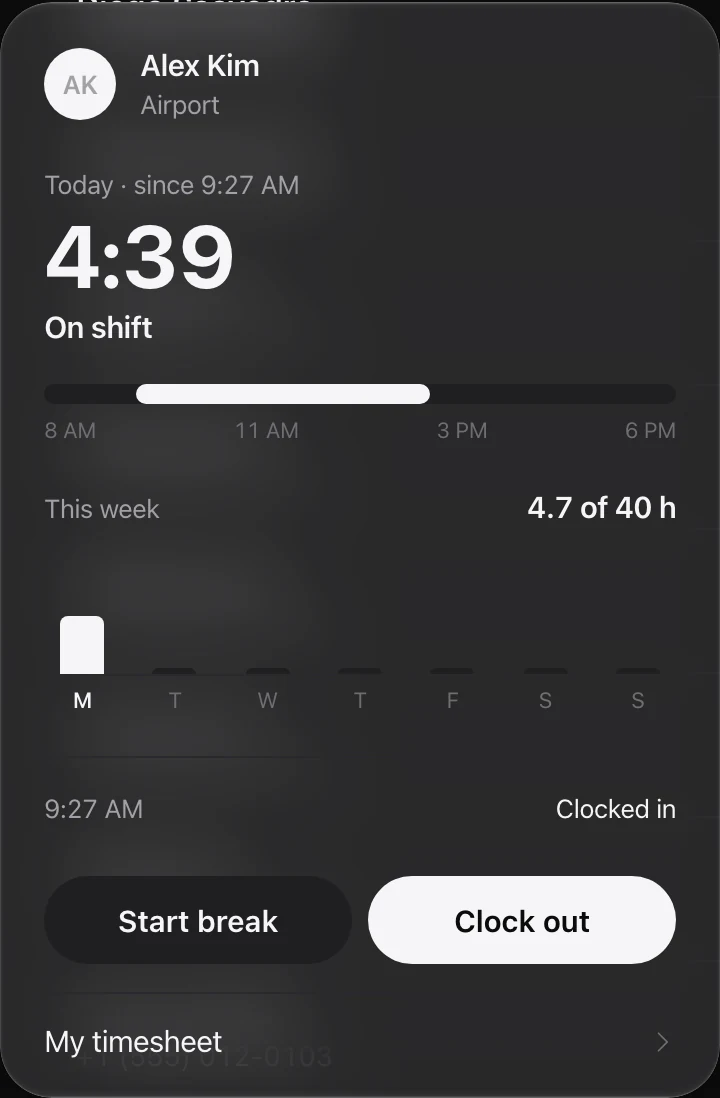
The clock lives at the foot of the side rail: clock in, take a break, clock out. Regular hours, overtime and double overtime add up on their own for every pay period, following the pay rules you set.
API
Your site shows live rates and locations from FleetPy, and booking partners can send reservations in through the Channel API. FleetPy's own rates price your site and every Channel API booking. AI agents that work the counter with you are in development; a person will approve every step.
Yes. FleetPy runs in the browser on a computer, an iPad or a phone, with nothing to install. Renters sign on the counter iPad or on their own phone.
Yes. Each location keeps its own taxes and fees, and your team switches between locations from the top of the screen.
Yes. Your site reads live rates and locations from the FleetPy API, and booking partners can send reservations in through the Channel API. FleetPy's own rates price your site and every Channel API booking.
Load the toll or the ticket. FleetPy finds who had the car by the minute on the record or the photo, adds your admin fee and leaves a note on the reservation. Anything it can't match waits for review.
If the connection drops during a check-in, what you typed stays on the screen until you can send it.
Not yet. AI agents are in development, and a person will approve every step they take.
Tomorrow, 7:30 AM
Leave your email and fleet size. We'll walk you through a full day on FleetPy.
Request sent.
We'll reply to to pick a time.